 Sortylendo
Sortylendo Parcel
Parcels and returns
Which shipping label goes with which parcel?
The shipping label for the return came in two weeks ago. The one for the jacket you sold turned up yesterday. The one for the shoes an hour ago. All three are buried somewhere between newsletters and order confirmations.
Now you’re standing at the parcel locker with three boxes under your arm, scrolling through your inbox. Which label went with which box? You’re not sure — and you need to be. Scan the wrong label and the shoes end up with whoever bought the jacket.
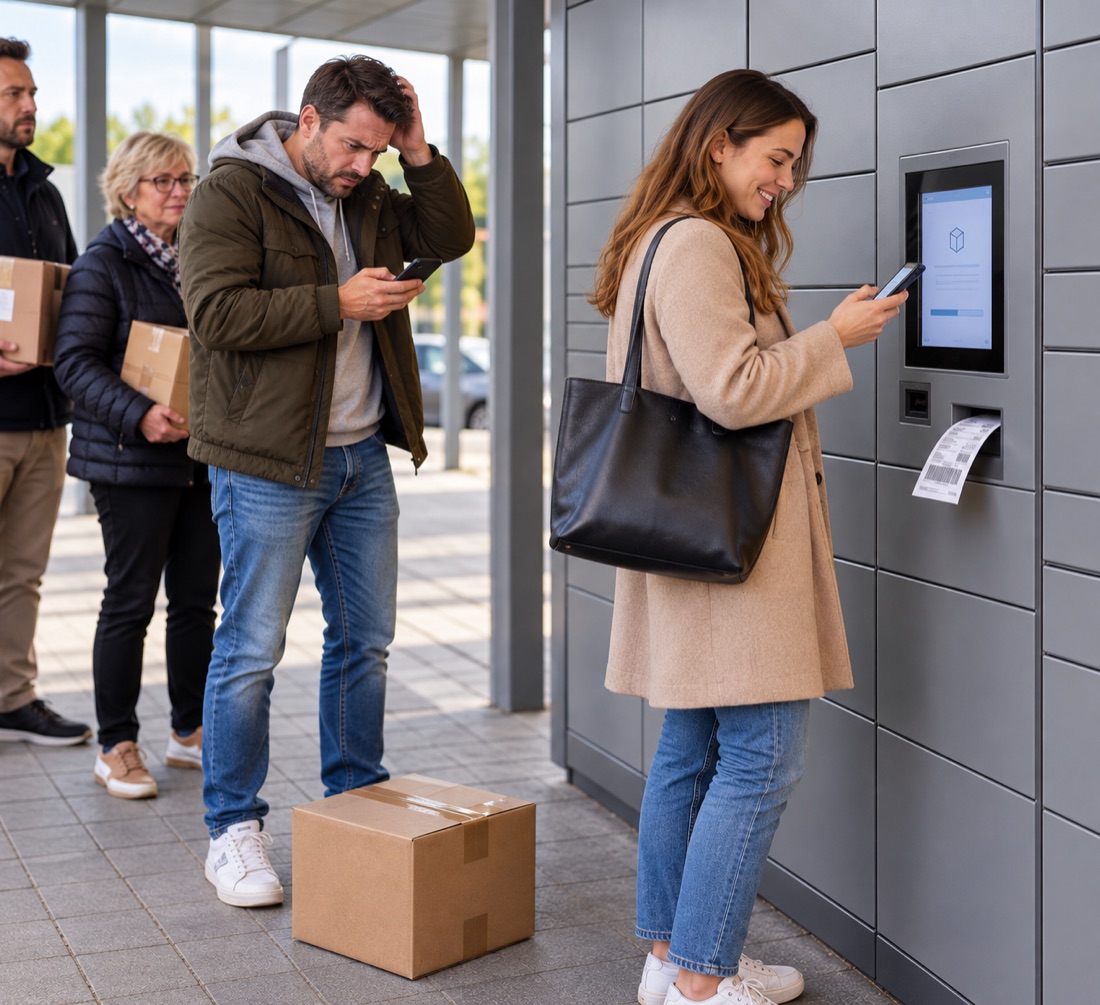
That’s exactly why everyone improvises: a number scrawled on the box in marker, a note tucked under the tape, the parcels stacked in a particular order. All of it just to get rid of that nagging feeling.
For Android on Google Play. In the browser it runs anywhere — on your computer and on iPhone too.
The fix
A match that can’t get lost
Stay on top of your parcels and returns — in three steps.
Step 1
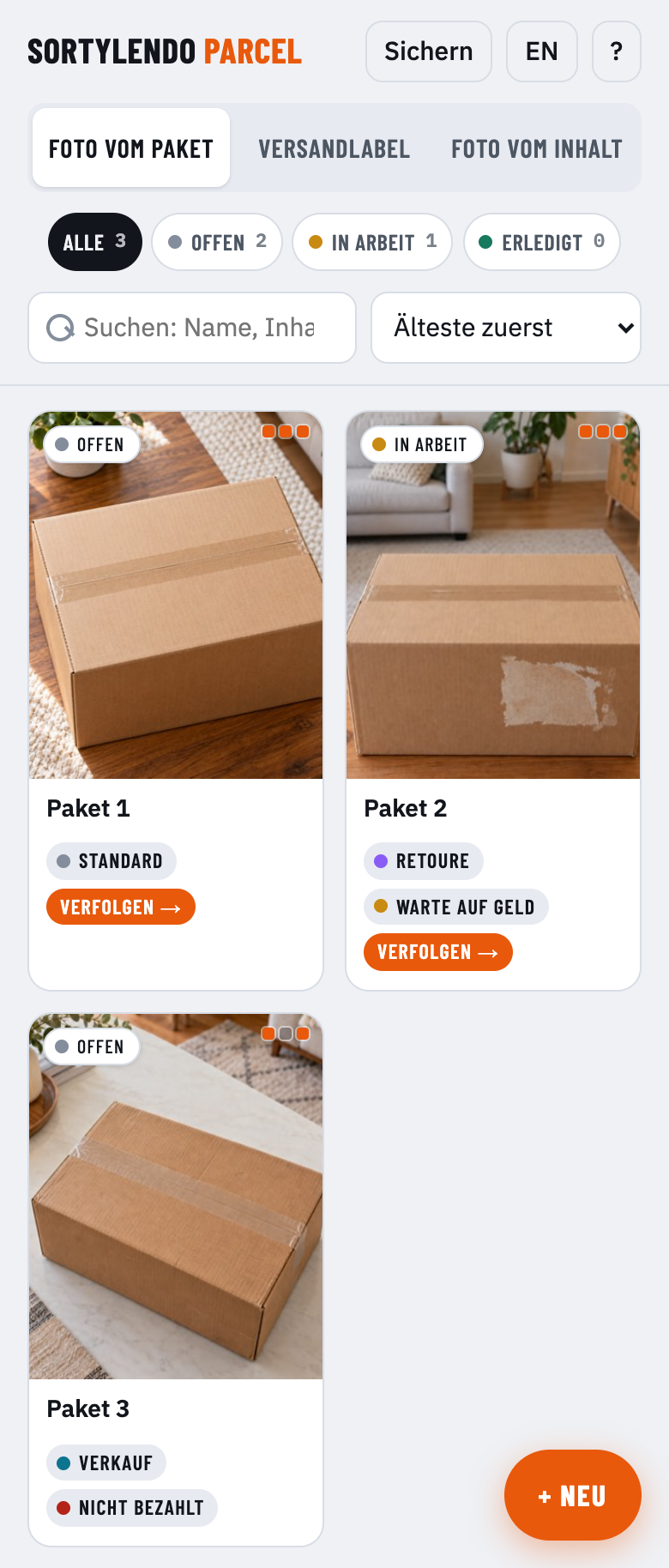
Snap a photo of the box
One shot of the packed parcel. That’s how you’ll spot it later among all the others.
Step 2
Add the shipping label
A screenshot from your inbox or a PDF. The app reads the number out of it.
Step 3
Tap the right one when you ship
At the parcel locker or the counter, you find the right label in seconds.
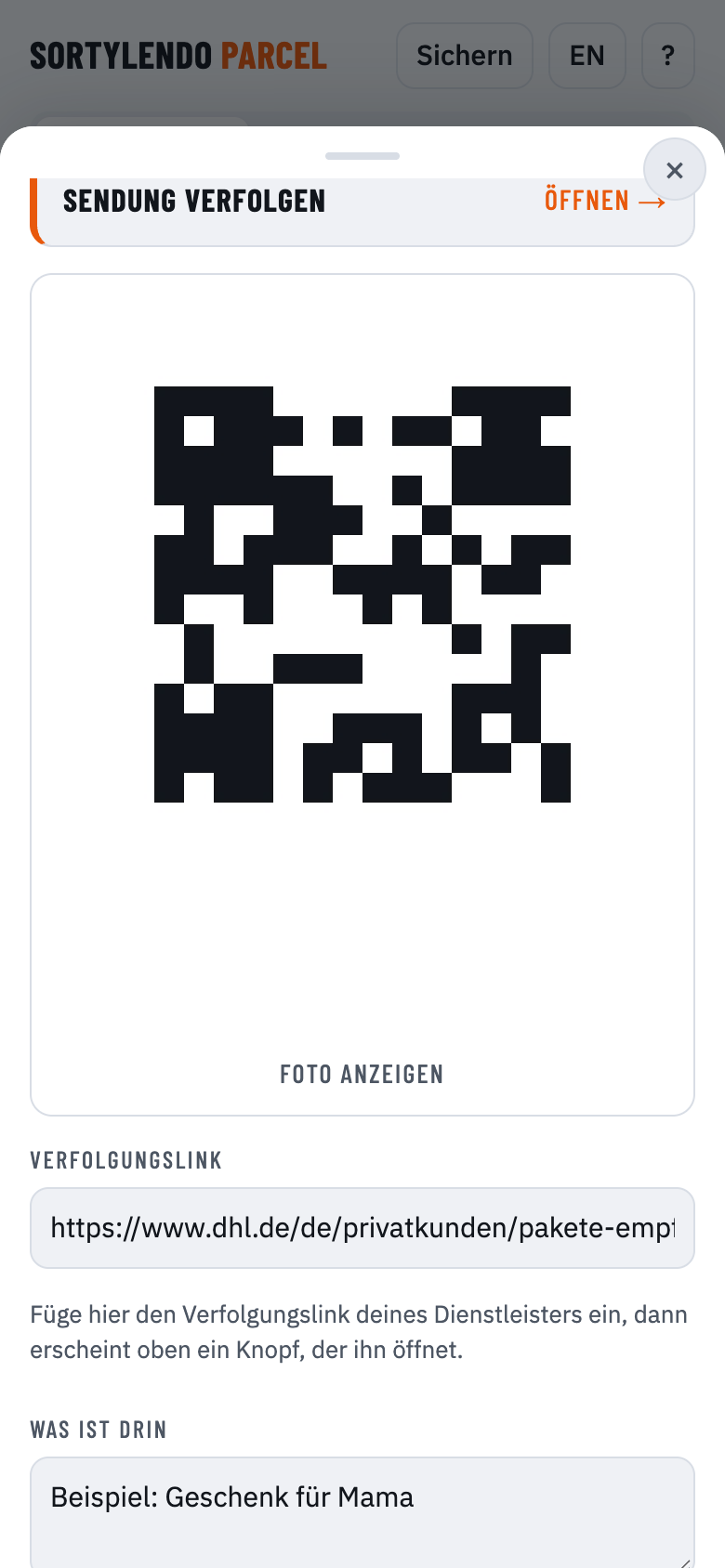
Whenever a shipping label arrives, you file it away. By the time you head out, everything is ready: you see the photos of your parcels, tap the one in your hand — and the matching label fills the screen on a light background, with the screen staying awake.
Try it
The first card is free
One card costs nothing — enough to take a parcel all the way through: photograph it, add the shipping label, call it up at the machine. So you can see for yourself whether it fits how you work.
If you regularly take several parcels out at once, you get the full version. A one-off purchase, no subscription, no running costs.
At the machine
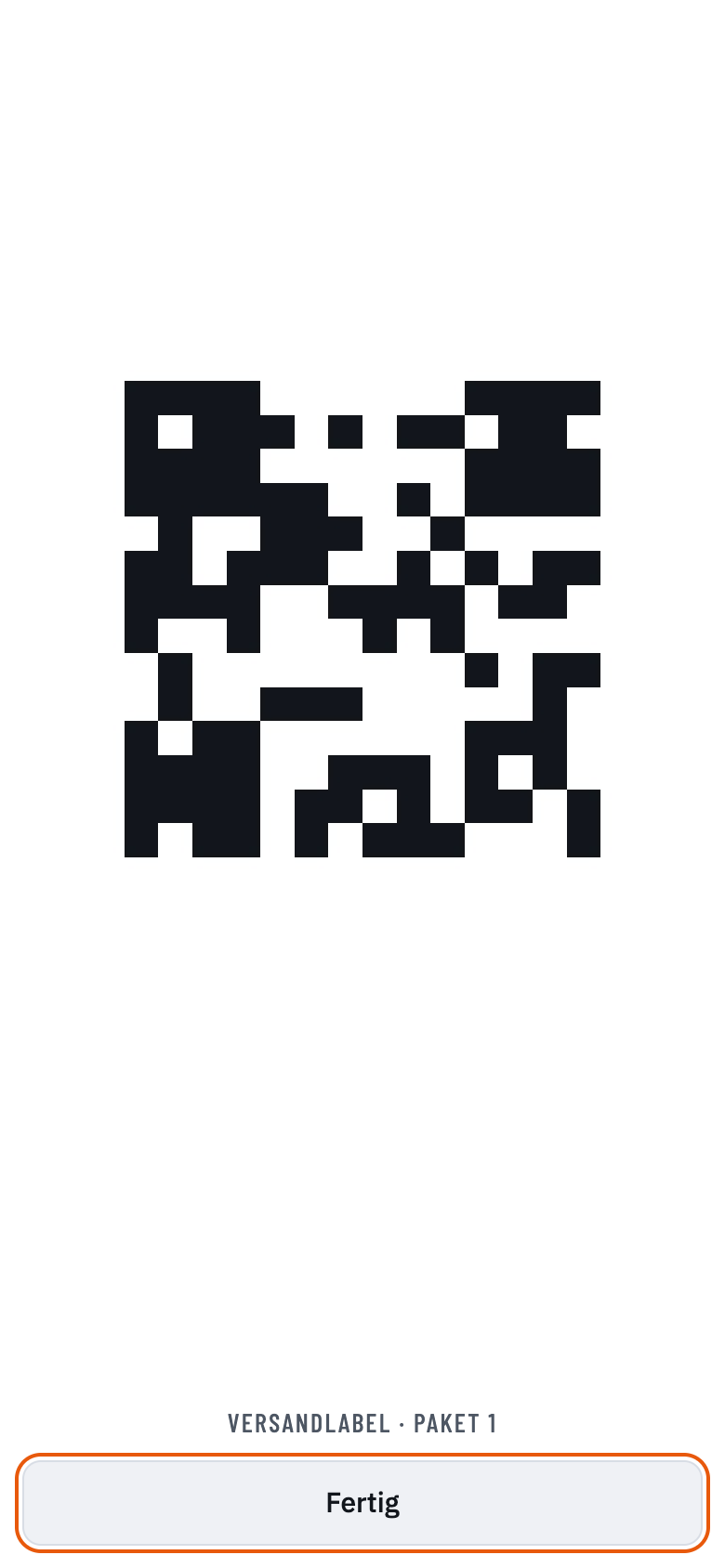
Big code, bright screen, screen stays on
Dark themes and a screen that dims after ten seconds are the two most common reasons a scanner won’t pick up a code. Both are handled here.
The app does not interpret your code — it shows it. That makes it work with any label from any carrier worldwide, whatever format is printed on it. Paste your carrier’s tracking link and a button opens it.
Keeping track
Your numbers sit right there
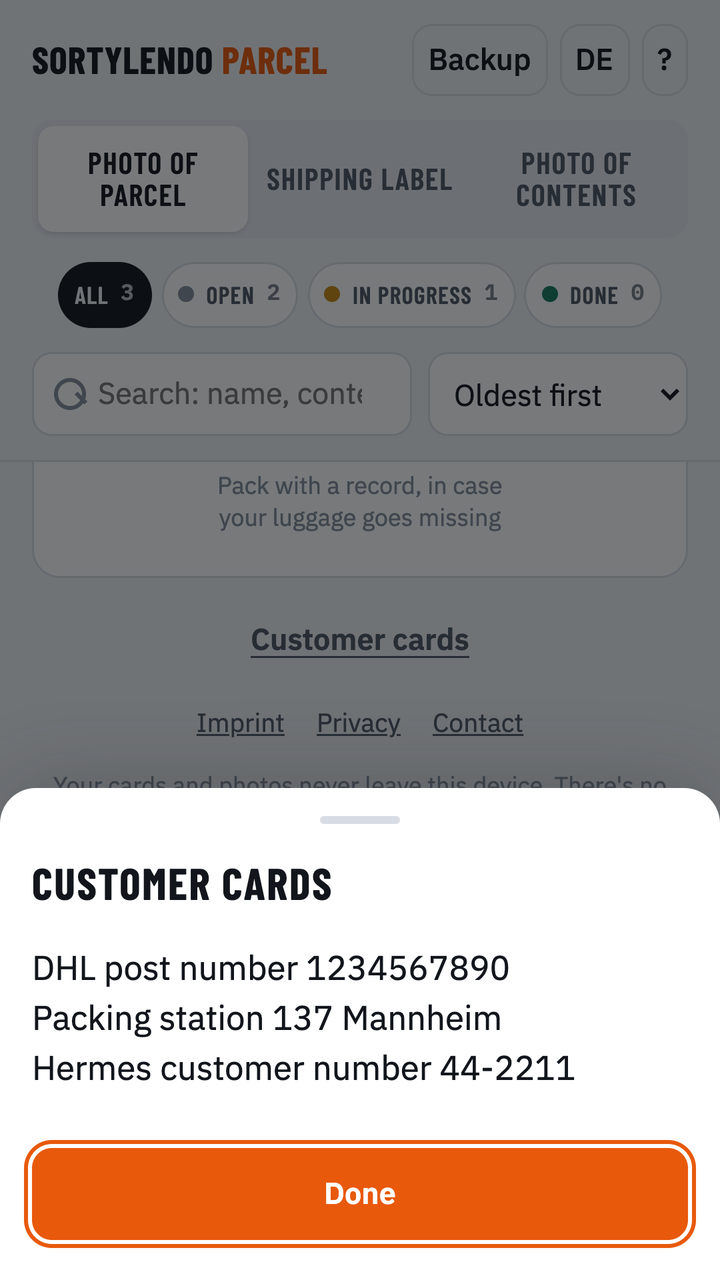
At the parcel locker you need more than the label: your post number, your customer card, sometimes the barcode on it. That is what Customer cards at the bottom of the app is for — one field for your numbers and up to four photos. You fill it in under help and open it with a single tap, so nothing gets changed by accident while you are standing there.
Return or sale — you can see it right away
Mark any card as a return or a sale. Looking back, you’ll know what you sent back and what you sold.
On top of that: three states — Open, In progress, Done — which you set yourself, nothing happens automatically. Return and delivery notes can sit alongside as PDFs, up to three pages per card.
Privacy
Everything stays on your phone
No account, no sign-up, no server. The app sends nothing on its own — the only things that reach the outside are the ones you tap yourself: your own tracking link or the shop link.
The flip side: clearing your browser storage takes the cards with it. That’s what the backup file is for — it also moves everything to a new device.
Common questions
Answered briefly
Do I have to install anything?
Not to try it out. The free version runs in your browser and can be added to your home screen — then it starts like any other app. The full version comes from the Play Store as an Android app and installs like anything else.
What does it cost?
One card is free — enough to take a parcel all the way through. For more there is the full version: a one-off purchase, no subscription, no running costs. The current price is shown in the Play Store.
Does it work offline?
Yes. After the first visit everything sits on your device. Only the tracking pages need a connection.
Which carriers does it work with?
All of them. Nothing is read or decoded, so no carrier has to be known in advance: the app shows the photo of your label, whatever code is printed on it. For tracking, you paste the link your carrier gave you.
What about Amazon?
Some carriers do not track by number at all, but through your signed-in account — Amazon, for instance. The link field handles that too: you paste whatever address gets you back to your shipment.
Can I use PDFs?
Yes. Load return and delivery notes straight as PDFs. With several pages you pick which one goes on the card.
How do I move to a new device?
Create a backup file under “Backup” and load it on the new device. Syncing between devices isn’t possible — that would need a server.
Is the app available in English?
Yes. The app follows your device language and can be switched at the top.
Try Sortylendo Parcel
For Android on Google Play. In the browser it runs anywhere — on your computer and on iPhone too.
On iPhone, add it through Safari: Share → Add to Home Screen. It then starts like an app and works offline.